

Fix validation issues#
The builder validates the pipeline continuously. When a blocking rule fires, the toolbar issue badge shows the count and global preview/save are gated until the state is runnable.
In the fixed linear builder, the most common blocking issue is a required side value that has not been filled yet.
Step 1 - Introduce an issue#
Click BlurGauss, then FilamentousFungiDetector. The main spine is
linear, but FilamentousFungiDetector.inoculum_detector is required and still
empty:
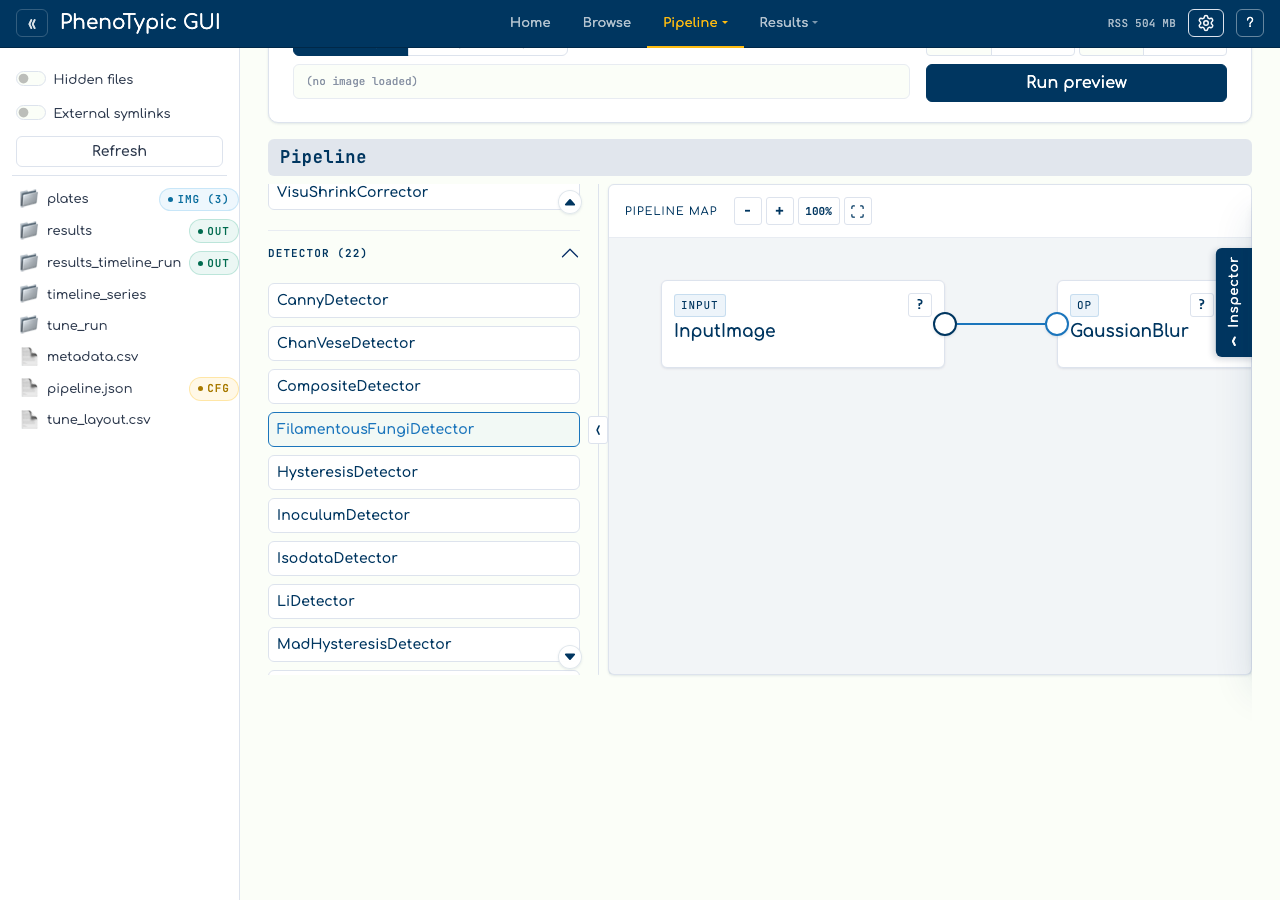
The issue badge appears because the whole pipeline cannot run until every required side value has a compatible source.
Step 2 - Read the issue#
Click the issue badge to open the issue list:
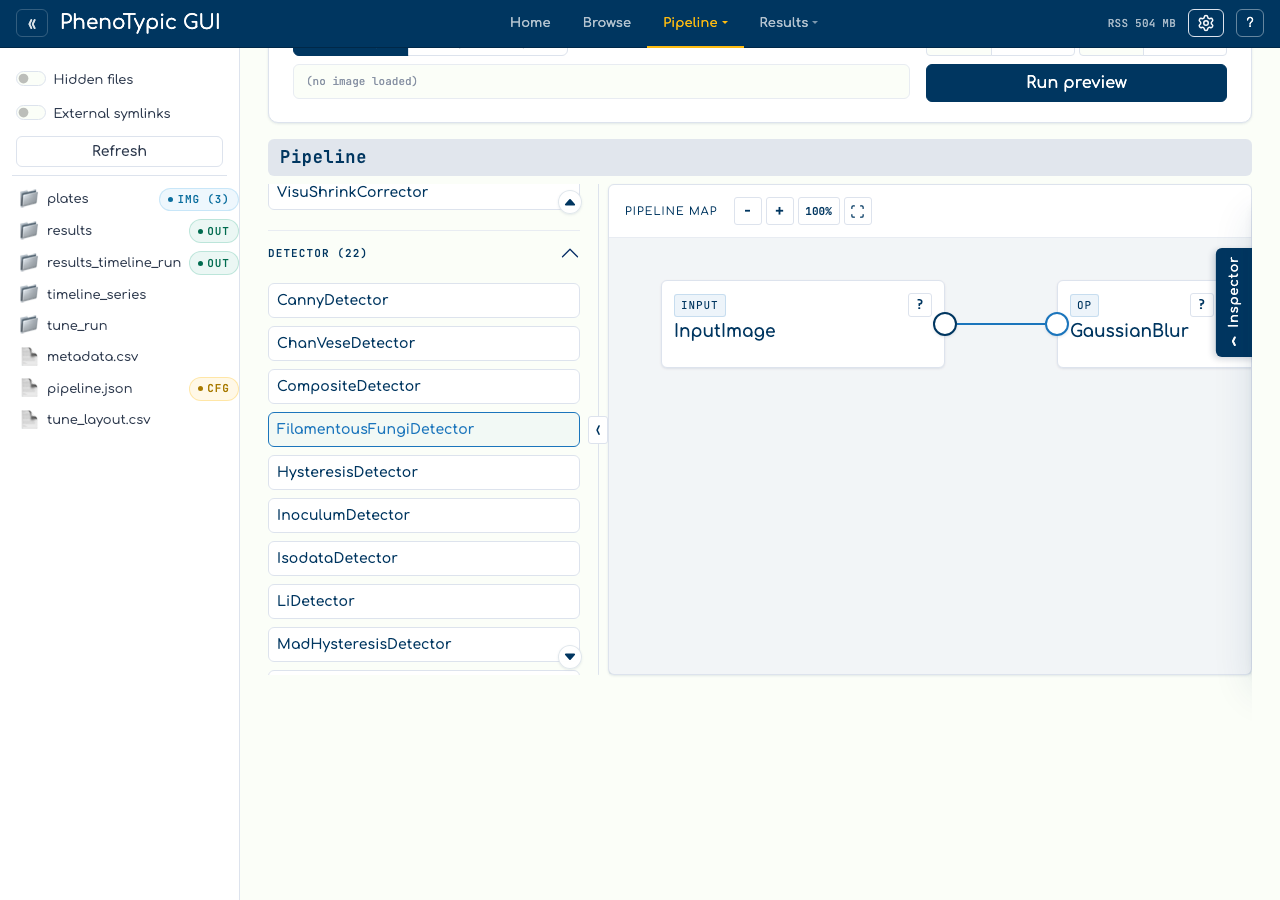
Use the badge as a triage surface when a loaded pipeline has more than one problem. Issues remain non-destructive: reading them does not change the pipeline.
Step 3 - Resolve the issue#
Select the inoculum_detector side port, then click OtsuDetector in the
palette:
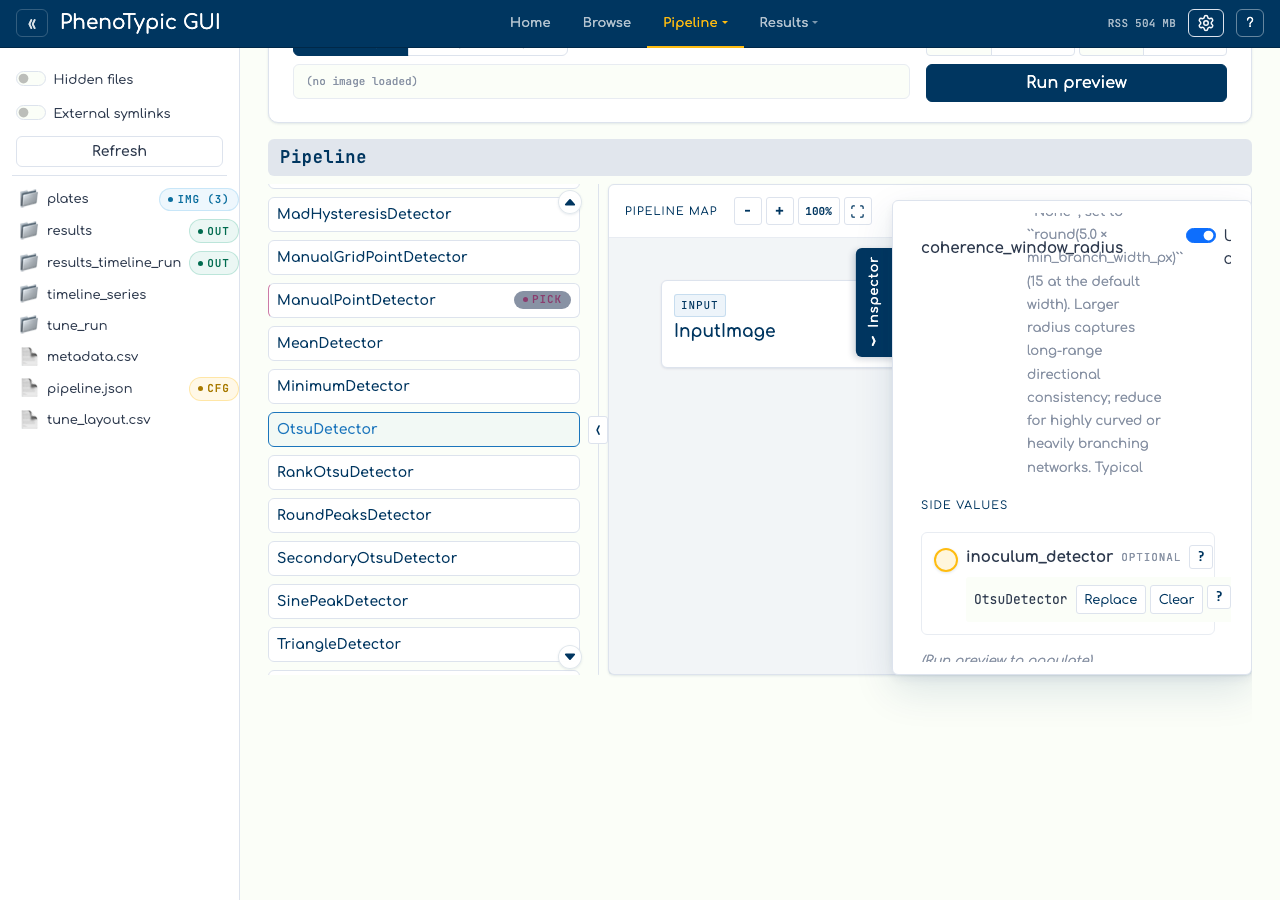
The issue clears because the consumer now has a compatible side value. You can replace or clear that value from the side loader later.
Unsupported development DAGs#
The linear map is the default production authoring surface. The builder still keeps DAG state internally, but arbitrary non-linear development states are not edited as movable graphs. If a loaded state cannot be represented as one linear spine with side values, the map shows an unsupported-state panel instead of silently dropping blocks or inventing a repair.
Reference#
Blocking issues - disable global preview/save until fixed.
Prefix preview -
Preview hereon an output/continuation port can preview a valid prefix, but it does not override whole-pipeline validation.Required side values - select the gold side port and choose a compatible palette item.
Defensive unsupported panel - protects non-linear development states that do not match the fixed map.
Where to next#
Fill a scalar aux target - side target selection.
Open an embedded Pipeline aux - nested pipeline side values and breadcrumbs.
GUI hub guide - full reference for the hub.