Open an embedded Pipeline aux#
Some side parameters need more than one operation. Instead of filling the slot
with a single detector, fill it with a nested ImagePipeline, drill into that
pipeline, and build a fixed linear chain inside it.
This tutorial fills FilamentousFungiDetector.inoculum_detector with a nested
pipeline containing BlurGauss -> OtsuDetector.
Step 1 - Create the embedded pipeline#
Add FilamentousFungiDetector to the main map, select it, and click the gold
port beside inoculum_detector. With that side target selected, click
+ New Pipeline.
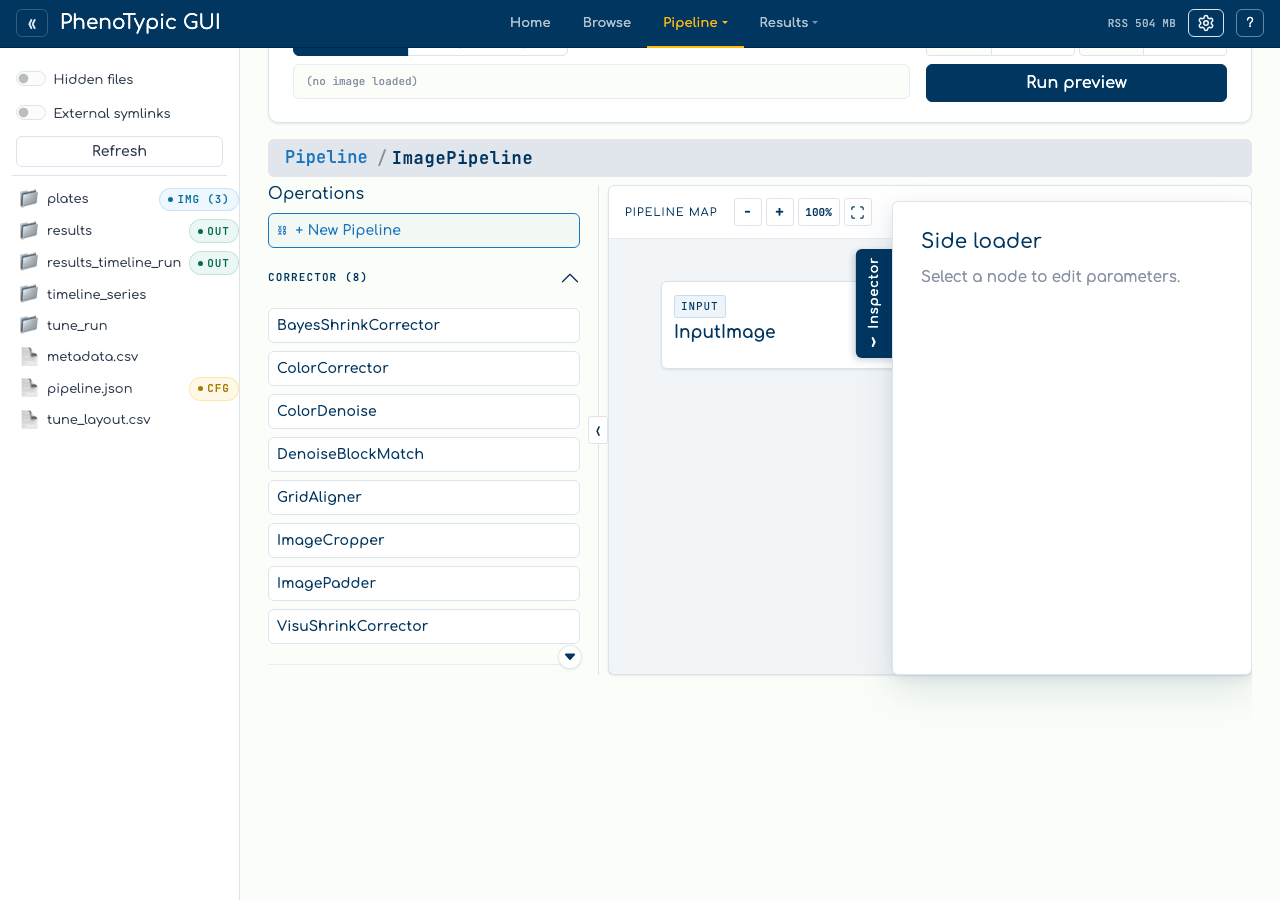
The builder creates a hidden ImagePipeline side value and immediately drills
into its nested scope. The breadcrumb shows that you are inspecting the side
value rather than the root pipeline.
Step 2 - Build the nested chain#
Inside the embedded scope, click BlurGauss, then OtsuDetector:
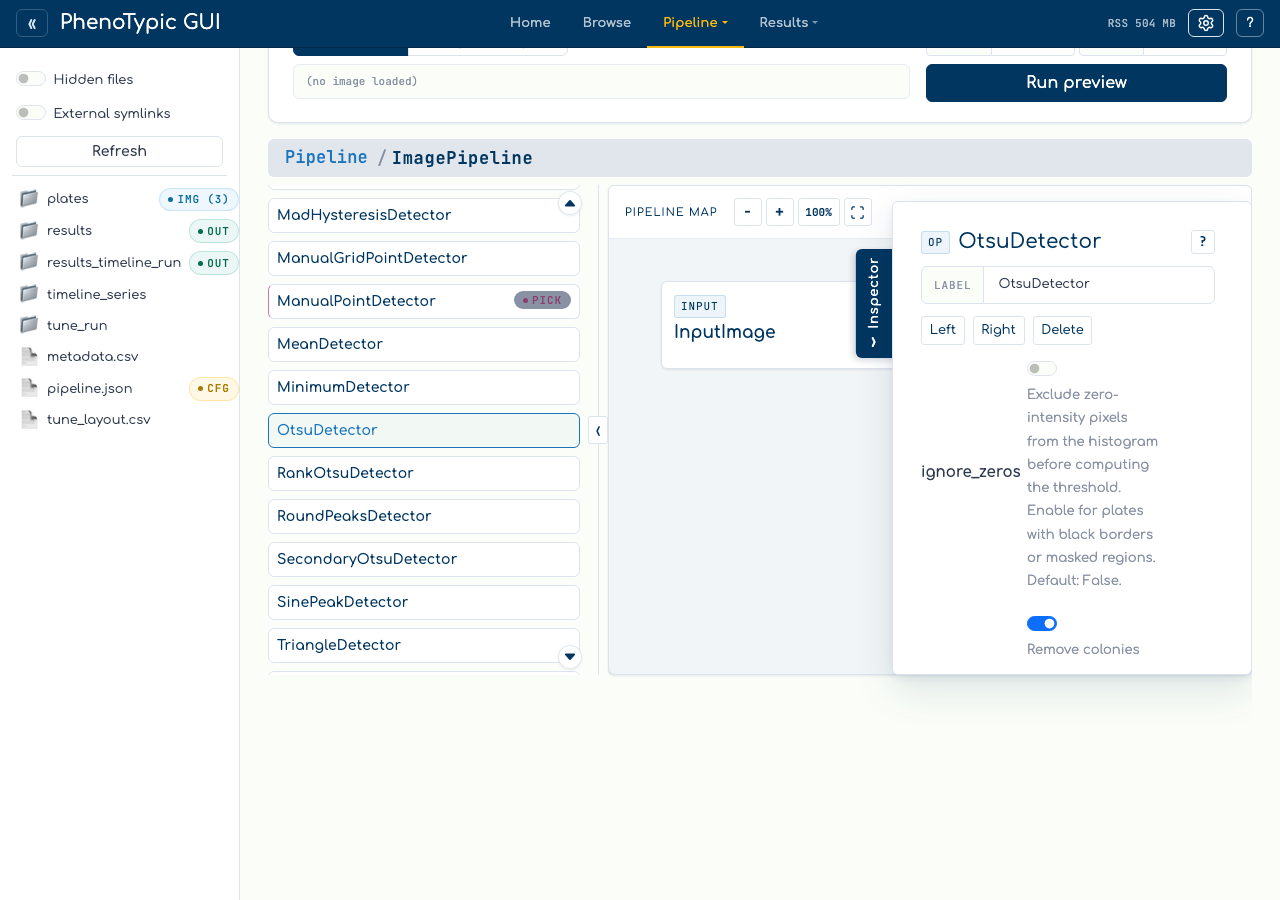
The nested scope has the same controls as the root: fixed node cards, visible ports, docstring help, side-loader parameters, and view-only zoom/fit controls.
Step 3 - Return to the parent#
Click the root breadcrumb segment to return to the parent pipeline, then select
FilamentousFungiDetector:
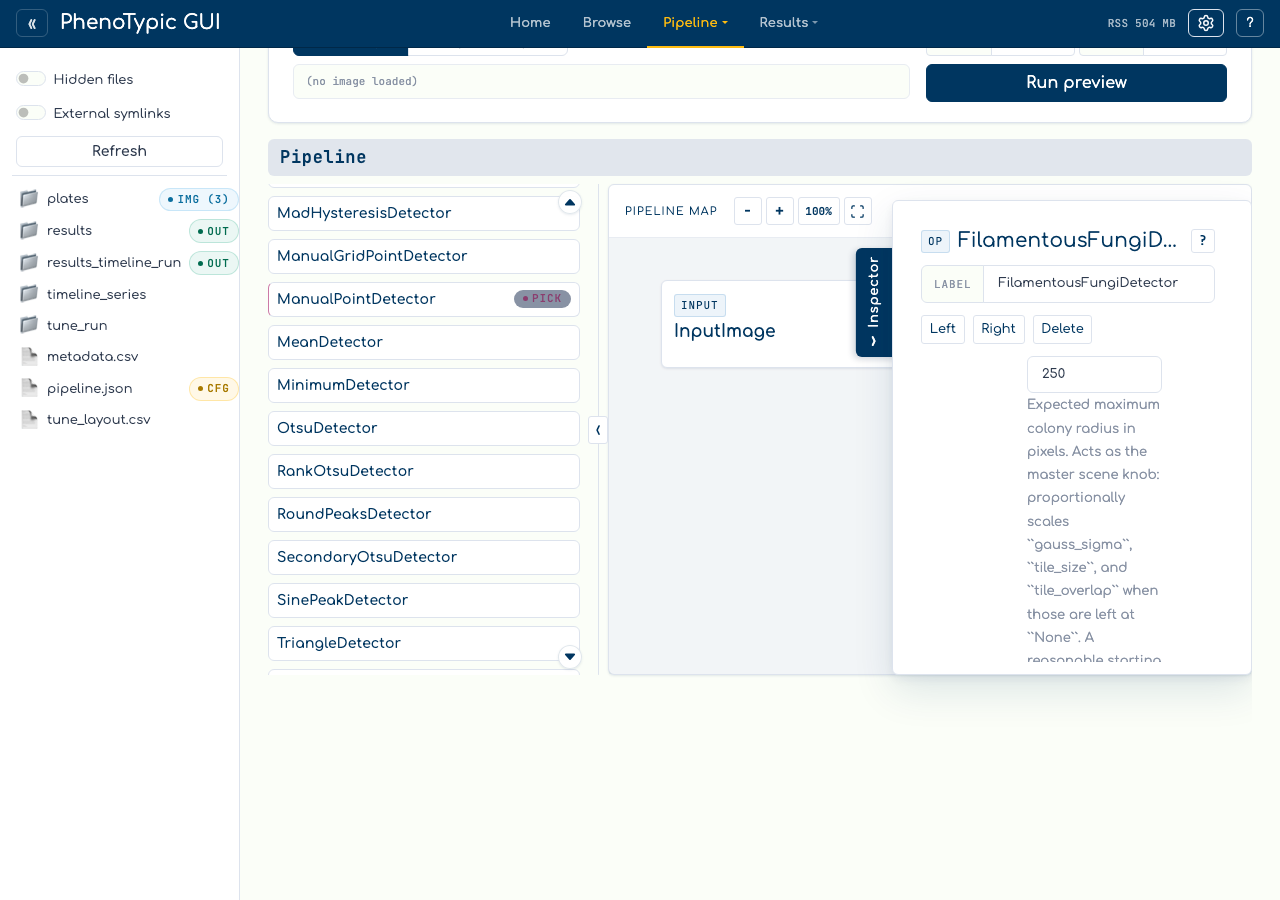
The side value row shows ImagePipeline with an Open action. Click Open to
drill back into the nested pipeline later.
When the pipeline saves, the side value serializes as a nested public
ImagePipeline value inside the consumer parameter. Builder-only UI state such
as selected targets, open menus, breadcrumbs, and zoom does not become pipeline
JSON.
Reference#
Create - select a side target, then click
+ New Pipeline.Open - click
Openon the filled side value row.Breadcrumbs - use the root crumb to drill back out.
Validation - the parent pipeline remains invalid until the required side value exists; the embedded pipeline must also be valid before save.
Read-only mobile mode - breadcrumbs, help, zoom, and inspection remain available; insertion/edit/delete/save are disabled.
Where to next#
Fill a scalar aux target - the single-operation side value flow.
Fix validation issues - required side-value validation and issue badge behavior.
Build a Pipeline - the main image-flow basics.