3.5 Author a README at Creation Time#
Capability summary#
Every project-scope and run-scope creation always produces a
README.md carrying at minimum the mandatory core fields (label,
operator, objective). There is no client-level skip path. The
field set is a four-layer merge – core fields, template-declared
fields (from copier.yml), config-declared fields (from config.yaml
readme.defaults), and system-supplied fields. The operator fills in
editable values (and may add custom fields), the controller validates
core + extended-required fields, and ReadmeGenerator writes the
output as YAML front matter plus Markdown prose to the created
directory root, with readme_fields.json mirrored into the
.exlab-wizard/ cache. See section 02 §3.5 for the authoritative
contract.
Walkthrough#
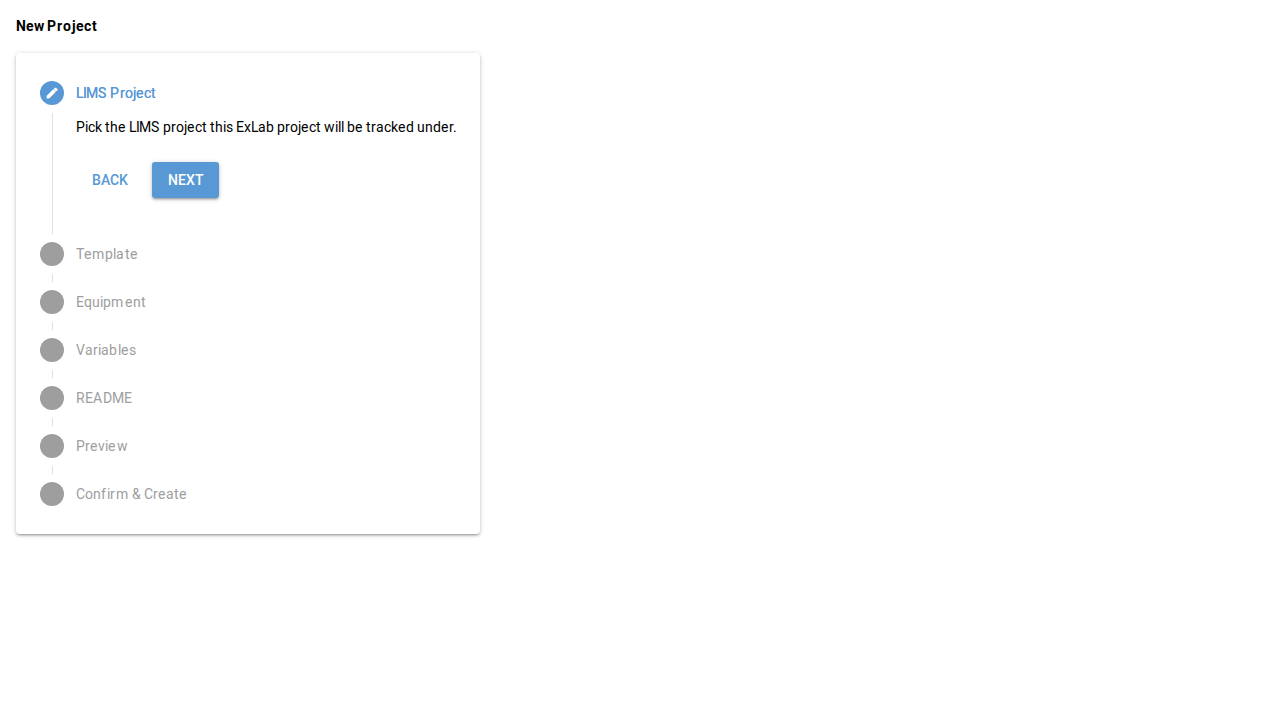
The README form is a sub-step of the project wizard (3.1 Create a New Project) and the run wizards (3.2 Create a New Experimental Run, 3.3 Create a New Test Run). It is not a standalone surface; the screenshot below shows the project wizard with the README step active.
Reach the README step. From inside the active wizard, navigate to the README step on the stepper.
Fill the merged field set. Core fields are always present and always required. Template- and config-declared fields appear in their configured order. The operator may add custom fields alongside the merged set.
Continue. The Next button advances to the preview step; on submit,
ReadmeGeneratorwrites the file.
Screenshots#