3.3 Create a New Test Run#
Capability summary#
Test runs cover instrument calibration, dry runs, plugin or template
debugging, and QC checks. They share the run wizard with experimental
runs but bind to mode "test" at session start, write to
<local_root>/<equipment>/<lims_short_id>/TestRuns/TestRun_<ISO8601_DATE>/
(creating the parent TestRuns/ directory on demand), and seed the
.exlab-wizard/test_runs.json marker on first use. The mandatory core
fields apply equally; a test run with no objective is as unrecoverable
as an experimental run with no objective. See section 02 §3.3 for the
authoritative contract.
Walkthrough#
Open the wizard. From the toolbar, click New test run (
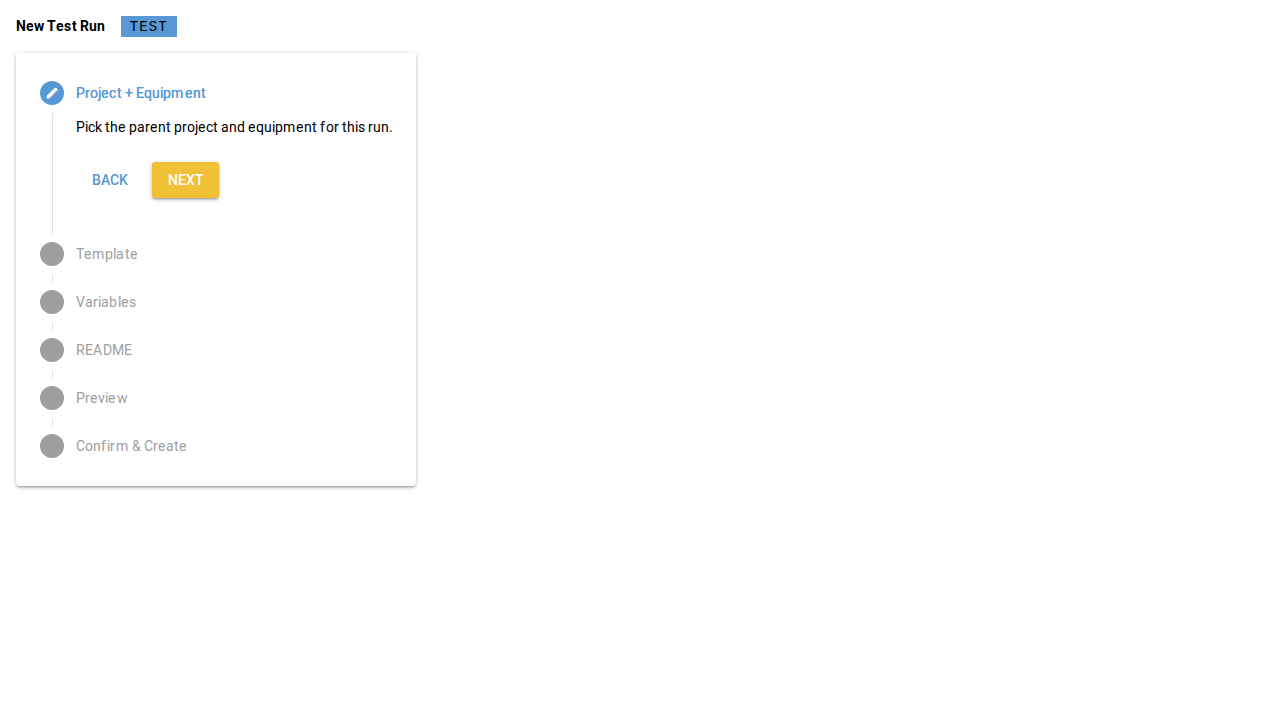
data-testid="toolbar-new-test-run").Confirm the mode badge. The wizard surfaces the Test badge prominently (section 02 §4 mode invariant) so the operator can never be uncertain about the active mode.
Step through the six-step stepper. Same step list as the experimental run wizard; only the on-disk path layout and the
run_kindflag differ.Submit. The Create button writes the run under
TestRuns/and the wizard renders a success card.
Screenshots#