

QC review walkthrough#
The QC tab in the Results Viewer has two modes, switched by a
Configure | Review segmented toggle:
Configure — the per-check card editor (see QC curation loop). Adding, editing, or deleting a check now writes the
qcarray of the output’sdeliverables/pipeline.json(a legacy.viewer_cache/qc_recipe.jsonsidecar is folded in once on first open).Review — a master–detail walkthrough that walks the worst-agreeing groups for one QC module, lets you curate the offending colonies in a tile gallery, and recomputes the module in place after each curated group.
The review loop:
Pick a module (one configured check) from the toolbar.
The worklist lists that module’s groups sorted worst-first.
Open a group; its detail gallery shows every member colony as a tile (one row per timepoint for time-course checks).
Curate — remove the bad colonies (per tile or multi-select bulk).
Mark reviewed (or Next). If you changed anything, the module recomputes on the curated data and the group’s metric updates in place with a
before → afterdelta.
Prerequisites#
A finished CLI run whose
deliverables/pipeline.jsoncarries at least one QC check, so the CLI wrote theqc/artifact (qc/qc_summary.parquet,qc/qc_members.parquet,qc/qc_config.json— these stay at the output-dir root). Configure a check in the Configure sub-view, then re-runpython -m phenotypic --mode recompile --output <output>(or--mode measure --pipeline <pipeline.json> --output <output>) to compute it. See Run Locally.The post-applied
deliverables/measurements.parquetmirror under<output>/deliverables/measurements.parquet— the recompute reads this frame (it carries anyPostMeasurementcolumns and joined metadata) and anti-joins your removals, so the in-session metric matches the CLI’s.
Walkthrough#
Open the Viewer tab in the hub and pick the QC sub-tab. Before an
output root is bound the tab shows its empty state:
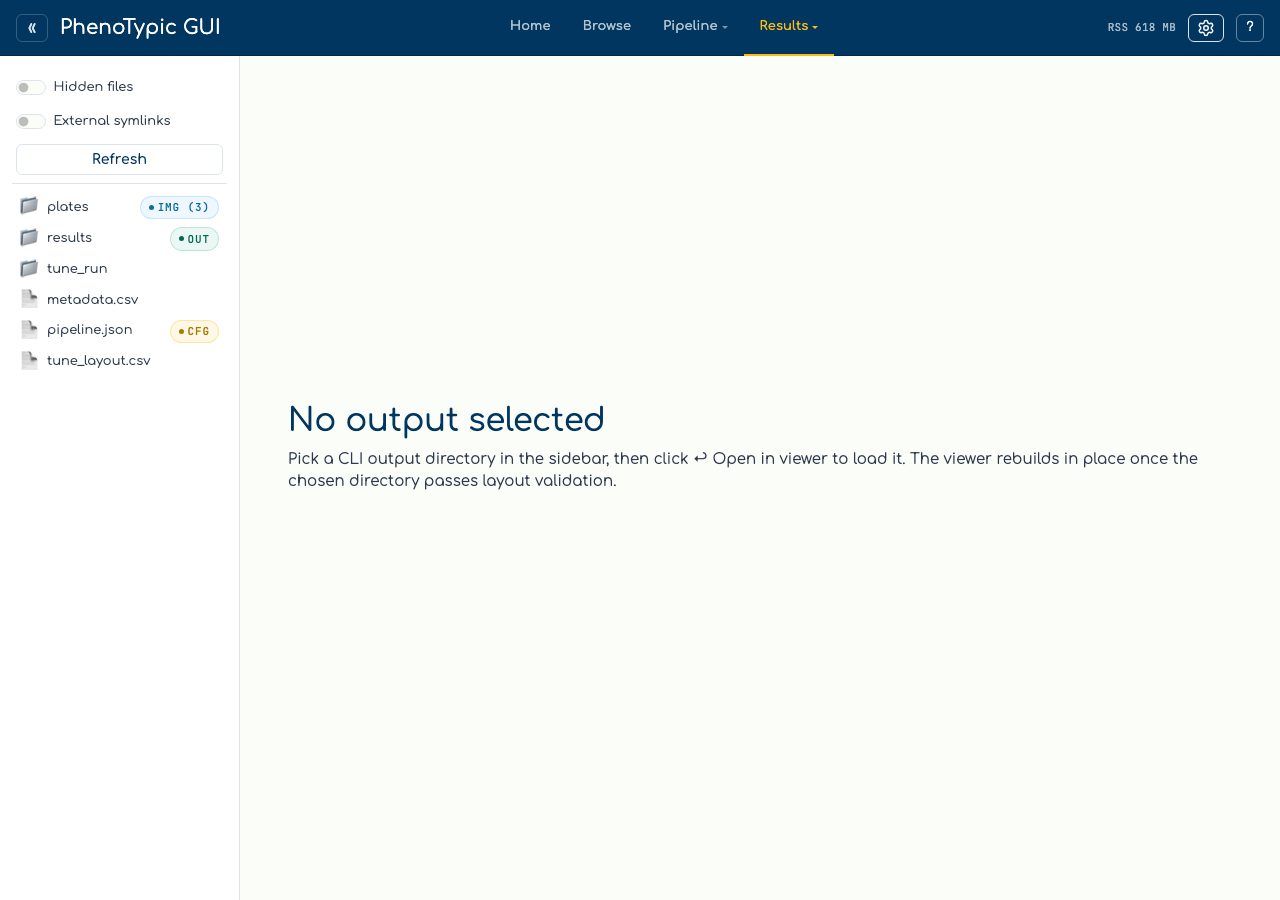
With an output root that carries a qc/ artifact, flip the toggle to
Review. The toolbar exposes the module picker, the on / groupby
chips, a Show: unreviewed / all / fail+warn filter, and a
↻ Re-sort queue button. Below it, the summary header tiles the
per-module counts — total, fail, warn, pass, insufficient
(groups whose metric could not be computed — never shown as a green
pass), reviewed, removed, and a robust median metric. The
worklist sidebar lists the module’s groups worst-first:
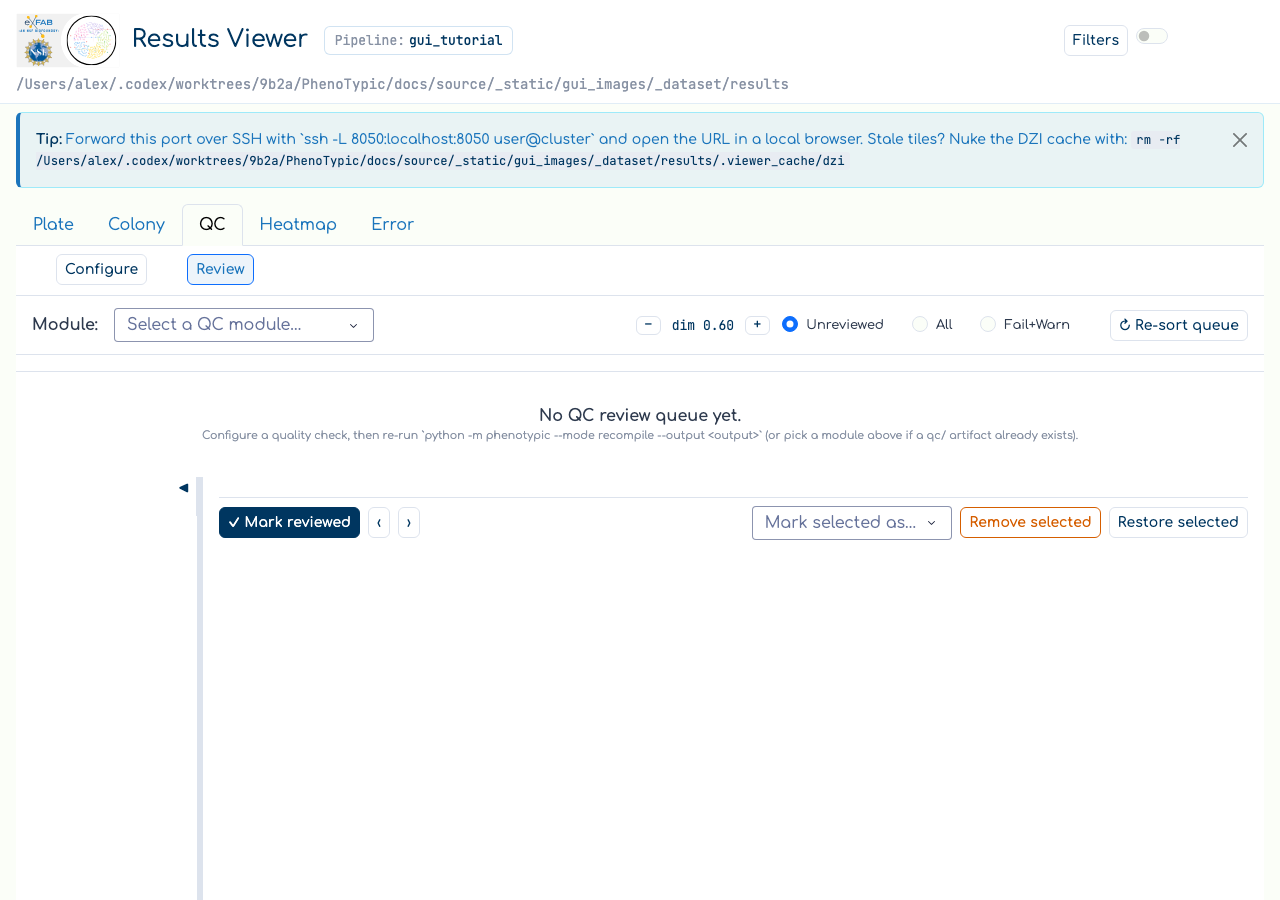
Click the worst (top) group. The detail pane renders its header — the
group key, the metric (with a before → after delta once you recompute),
the status badge, member count, and removed count — above the tile
gallery. Each tile is a centred crop of the colony served by the QC crop
route; removed colonies dim. The action bar carries ✓ Mark reviewed,
Next group →, and bulk Remove selected / Restore selected:
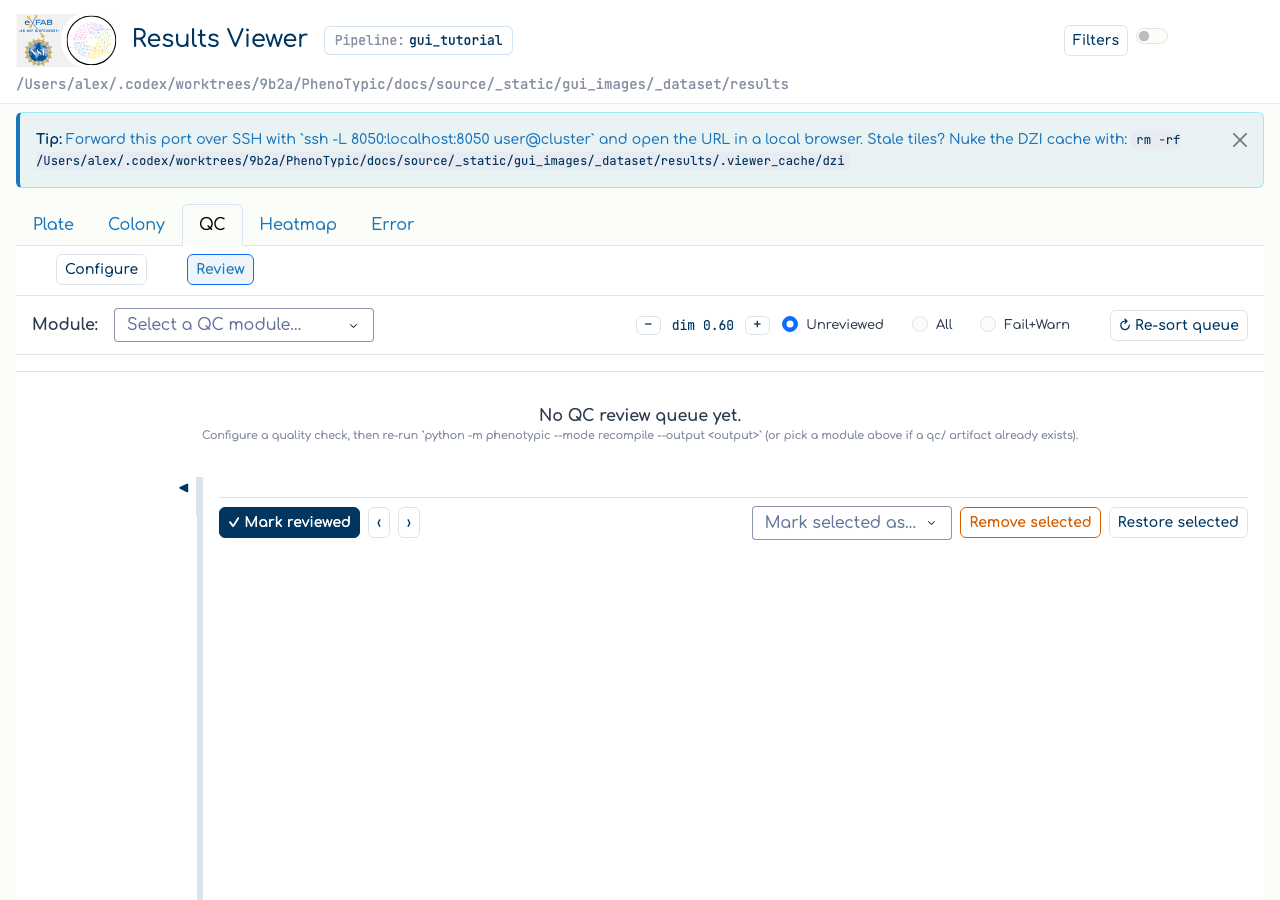
Remove the outlying colonies (click each tile’s ✕, or shift-select a
range and hit Remove selected), then click ✓ Mark reviewed. Because
you made changes, the module recomputes on the curated frame and the
group’s metric/badge update in place — the row keeps its position and
gains a ⤳ “moved/changed” hint. The queue only reorders when you click
↻ Re-sort queue.
Common gotchas#
Recompute reads
deliverables/measurements.parquet, not the master. The in-session recompute uses the post-applied + metadata-joined mirror minus your removals, so it matches the artifact the CLI would write. The cleandeliverables/master_measurements.parquetis metadata-free and is not used for recompute.insufficientis notpass. A check likeICCreturnsNaNon a sparse or under-powered group; the summary header counts those asinsufficientand they sort to the bottom of the worklist — they are “no signal”, not “good”.Review progress is per-module and resets on re-run. Marked-reviewed groups live in GUI-owned
qc/review_state.json, keyed by checkinstance_id. An in-session recompute preserves it; the next CLI recompile or measure-mode run clears it so a fresh run starts the queue over.Curation is shared. Removing a colony in Review removes it everywhere (the Plate / Colony tabs and the heatmap) — it writes the same
deliverables/measurements.parquetremoval set.
Where to next#
QC curation loop — the Configure sub-view’s per-check card editor.
Heatmap exploration — pivot the same measurements (and any
QC_*_Metriccolumn) into a plate-shaped heatmap.Analysis — once QC is happy, configure filters + an endpoint model and emit
analysis.{csv,parquet}.